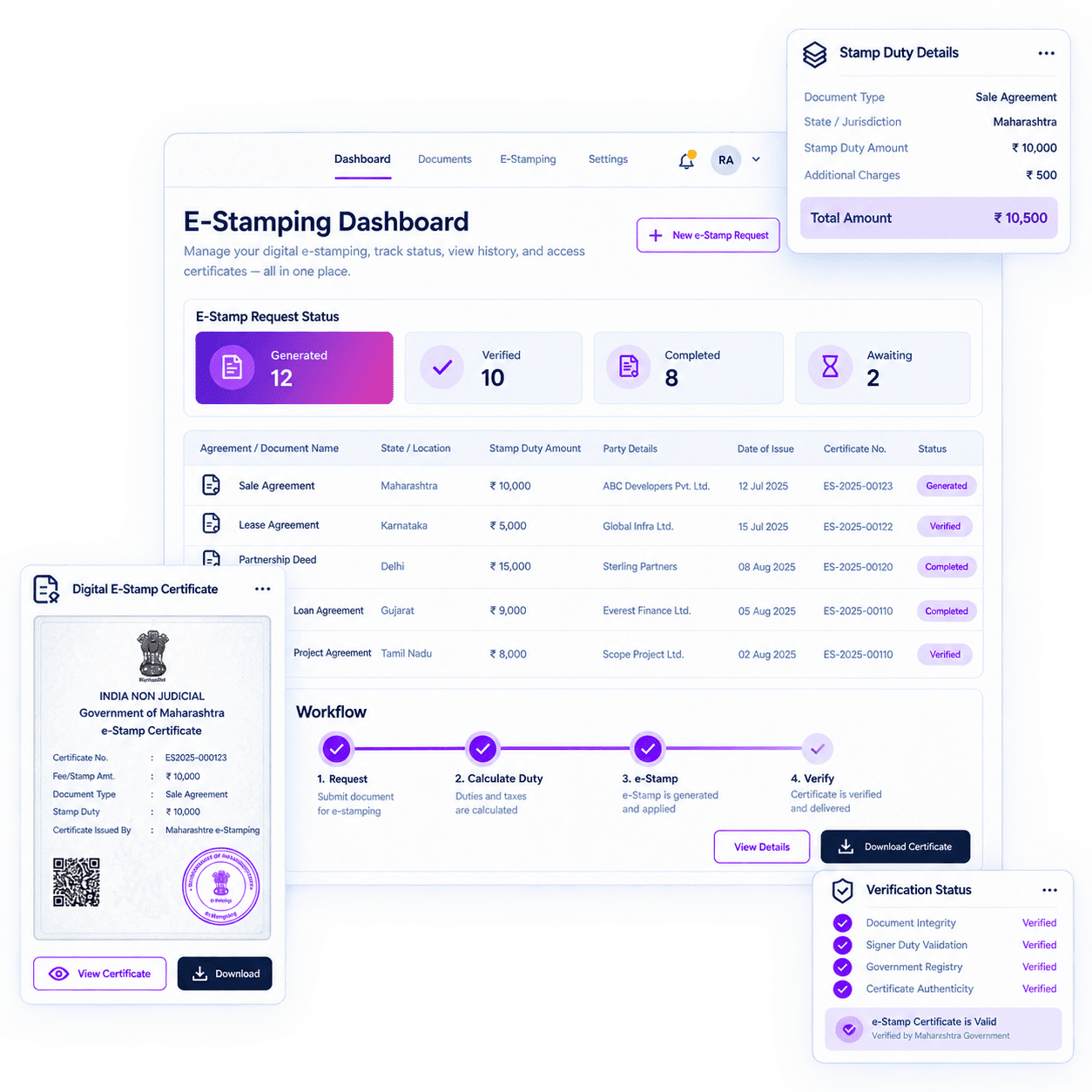


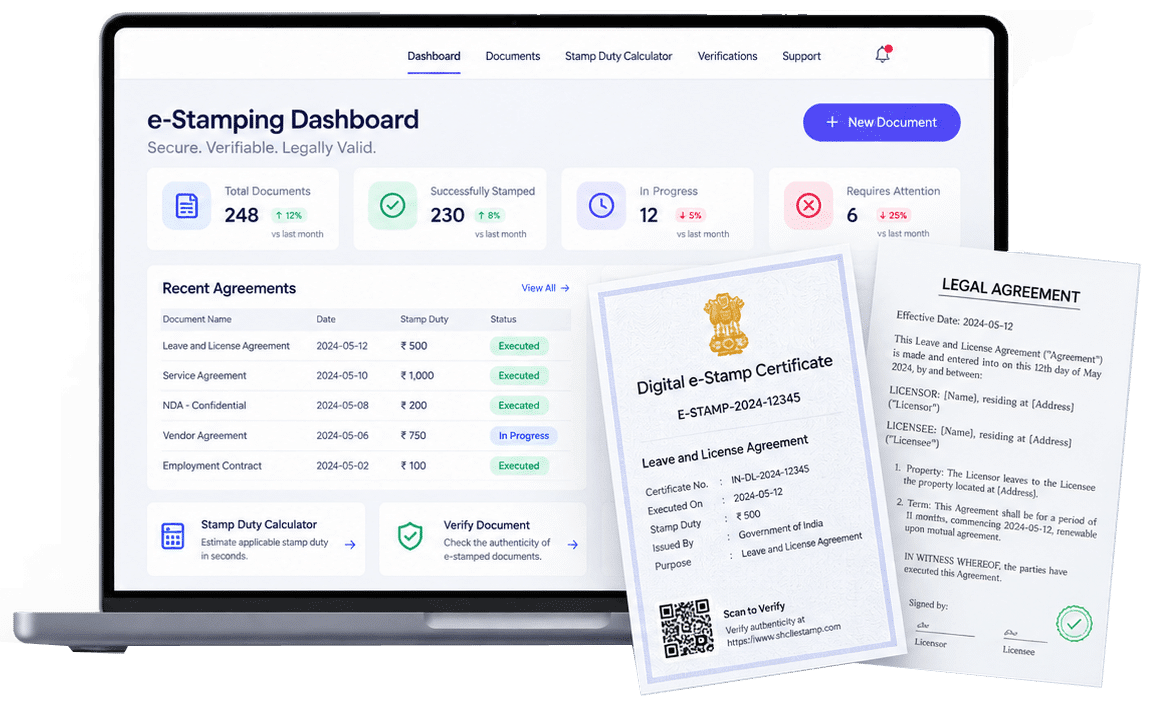
e-Stamping in India

e-Stamping

How e-Stamping Works

A practical, step-by-step guide to preparing, submitting, receiving and retaining an e-Stamp transaction.

The e-Stamping process begins by identifying the correct jurisdiction, document type and duty. The request is then submitted through the applicable authorised route, the certificate is issued or procured, and the underlying document is executed separately.

The Process

Identify the jurisdiction

Confirm the State or Union Territory relevant to the document and transaction.

Classify the document

Identify the appropriate stamp article or document category.

Determine the duty

Calculate and verify the applicable duty and statutory charges.

Prepare transaction details

Provide accurate party names, address and transaction or consideration information where required.

Select the fulfilment mode

Use the supported digital, eStamp-Physical, traditional physical or State-specific route.

Review and approve

Confirm the particulars before submission. Incorrect approved information may appear on the issued certificate.

Fund the transaction

Maintain sufficient prepaid balance where the selected workflow requires it.

Submit the request

RazorSign transmits or coordinates the request through the applicable supported channel.

Receive the result

Receive a digital certificate, scanned copy or status update, depending on the mode.

Complete physical delivery

Collect and courier the physical certificate where required.

Execute the document

Complete the applicable signing and other formalities separately.

Retain the record

Keep the certificate, final document, signing history and available transaction record together.

Information Quality

The operational process depends on complete and accurate information. Party names, State, article, duty, value and related particulars should be reviewed before submission. Once an instrument is issued, independent correction may not be available and any cancellation or refund is subject to the relevant authority.

What Businesses Must Verify
Stamping Is Not Signing

What Can Delay a Request

  • Incomplete or inaccurate information.
  • Missing internal approval or supporting documentation.
  • Insufficient prepaid balance.
  • State-system or authorised-channel availability.
  • Banking or payment processing.
  • Collection-centre availability.
  • Denomination or stock availability.
  • Public holidays, regulatory requirements and courier serviceability.
RazorSign e-Stamping

RazorSign e-Stamping

RazorSign enables enterprises to initiate and manage stamp-duty fulfilment inside the document and contract workflow. Depending on the mechanism available for the relevant State or Union Territory, fulfilment may be digital, eStamp-Physical, traditional physical or State-specific physical. Signing and stamping remain separate processes, while transaction status, available records and the final executed document can remain connected to the contract workflow.

What Our Clients Say About Us!

"We've been using RazorSign (aka PracticeLeague) platform for over 4 years to track, manage and automate our internal and regulatory Compliances, all Contracts, and Intellectual Properties across 25+ countries. The platform has helped us significantly, especially in centralizing and automating our legal and compliance portfolio in its entirety along with critical dashboards and reports."
"At PepsiCo India, dozens of plant accountants and their coordinators receive letters from various authorities. With RazorSign, these documents are uploaded immediately upon receipt, enhancing near real-time visibility and tracking of statutory communications. This enables our corporate teams to efficiently address issues."
Our experience with Practice League has been extremely positive. Their platform has simplified and organized our entire contract lifecycle process, ensuring better visibility, accountability, and control. The centralized repository has made contract retrieval effortless, and the analytics dashboard helps us monitor key metrics with ease. What truly differentiates them is their dedicated support team. They are highly responsive, and always ready to extend support whenever required.
Transitioning our legal operations to RazorSign has been a game-changer for our department's productivity. The ability to streamline complex approval workflows and maintain a single source of truth for all our legal documents has saved us countless hours. It's more than just a tool; it's become the backbone of our daily operations, providing the transparency and speed we were previously missing.

Trusted and Secure

RazorSign has been validated by leading business analyst firms, industry associations, media outlets, partners and customers

FAQs

How long does e-Stamping take?

The source model lists digital generation as typically instant and up to two business hours, while physical modes take longer. All timings are indicative and dependency-based.

The transaction should be reconciled based on the status from the relevant authority or service channel. Any credit or refund depends on that channel.

Correction and cancellation depend on the relevant State or authority. Information should be verified before submission.

Digital modes ordinarily do not require physical procurement. Physical modes may require collection and courier.

Retain the certificate, underlying document, execution history, transaction reference and relevant approvals according to the organisation’s retention policy.

Important Information
This page provides general information about e-Stamping and RazorSign-supported fulfilment workflows. It is not legal, tax, regulatory or professional advice. Stamp duty, document classification, admissibility, execution, registration, cancellation, refund and related requirements depend on the applicable law, State or Union Territory, transaction and document. Customers should obtain advice from qualified professionals and verify current requirements with the relevant government or authorised authority before acting. RazorSign and PracticeLeague facilitate technology and fulfilment workflows and do not independently issue government e-Stamp certificates or act as a government authority.

Scroll to Top

Act

Multi-document Q&A

Ask questions across one or more uploaded files.

Act

AI Tiles

Contract Summary, Key Clauses, Risks, Obligations, Insights, Rewrite and other configured actions.

Act

Voice Interaction

Ask questions by voice where enabled.

Act

Multi-model Support

Use supported AI models according to the selected configuration.

Act

Formatted Output

Copy AI results into Microsoft Word in a usable format.

Act

Charts and Export

Use available analysis, visualisation and export options.

Act

MCP Access

Allow compatible AI assistants to access authorised contract-repository data according to configuration and security controls.

Act

Confidential Information Redaction

Redact confidential information for relevant review and sharing workflows.

Act

Rephrase and Rewrite

Generate clearer or alternative language, including starting-position rewrite support.

Act

Obligation Extraction

Identify obligations and convert relevant commitments into actionable tasks.

Act

Metadata Extraction

Extract contract information to support repository structure and migration.